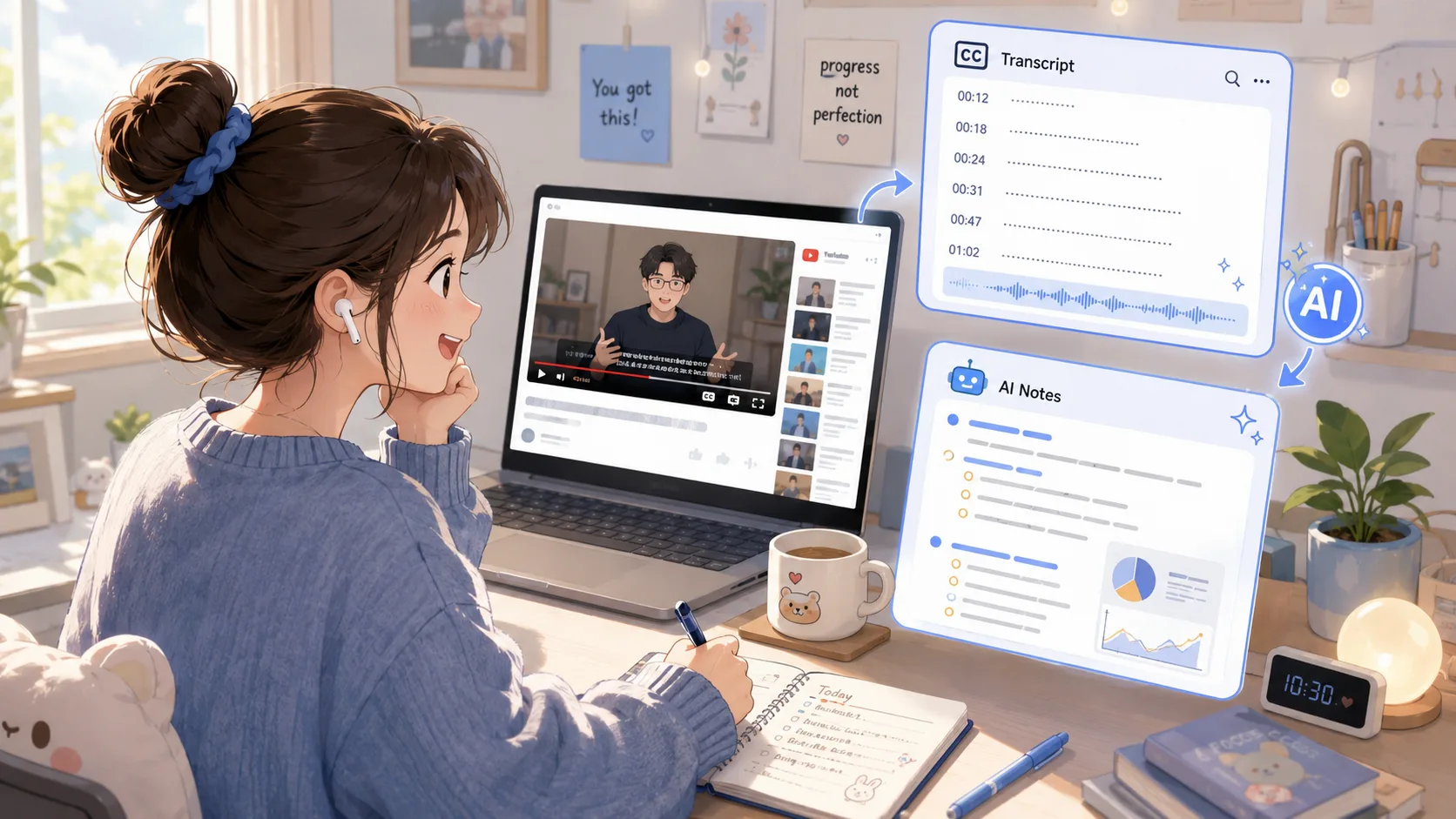
YouTube verbatim transcripts are always dirty and repetitive? I spent a morning making a clean open source gadget called video-notes
*▲ A gadget you use every day is often hidden in the trouble you are most familiar with. *
I often watch technical speeches and interviews on YouTube. After watching them, I want to keep a verbatim transcript, and then organize them into several key points to facilitate future writing or searching. In fact, I have written about How to use AI tools to quickly summarize and organize lecture content before; but this time I want to go one step further and clean up the verbatim manuscript from the source. There are many such tools on the market, but after using them for a round, I found that they have a common problem: the verbatim text they spit out is not very clean. So I spent a morning and made a refreshing version myself, named video-notes, and now open sourced it.
This article is divided into two parts: the first half is a few judgments during the development process that I think are worth writing down, and the second half is a tutorial for you to use. The source code is here: github.com/iamvista/video-notes.
What does it do
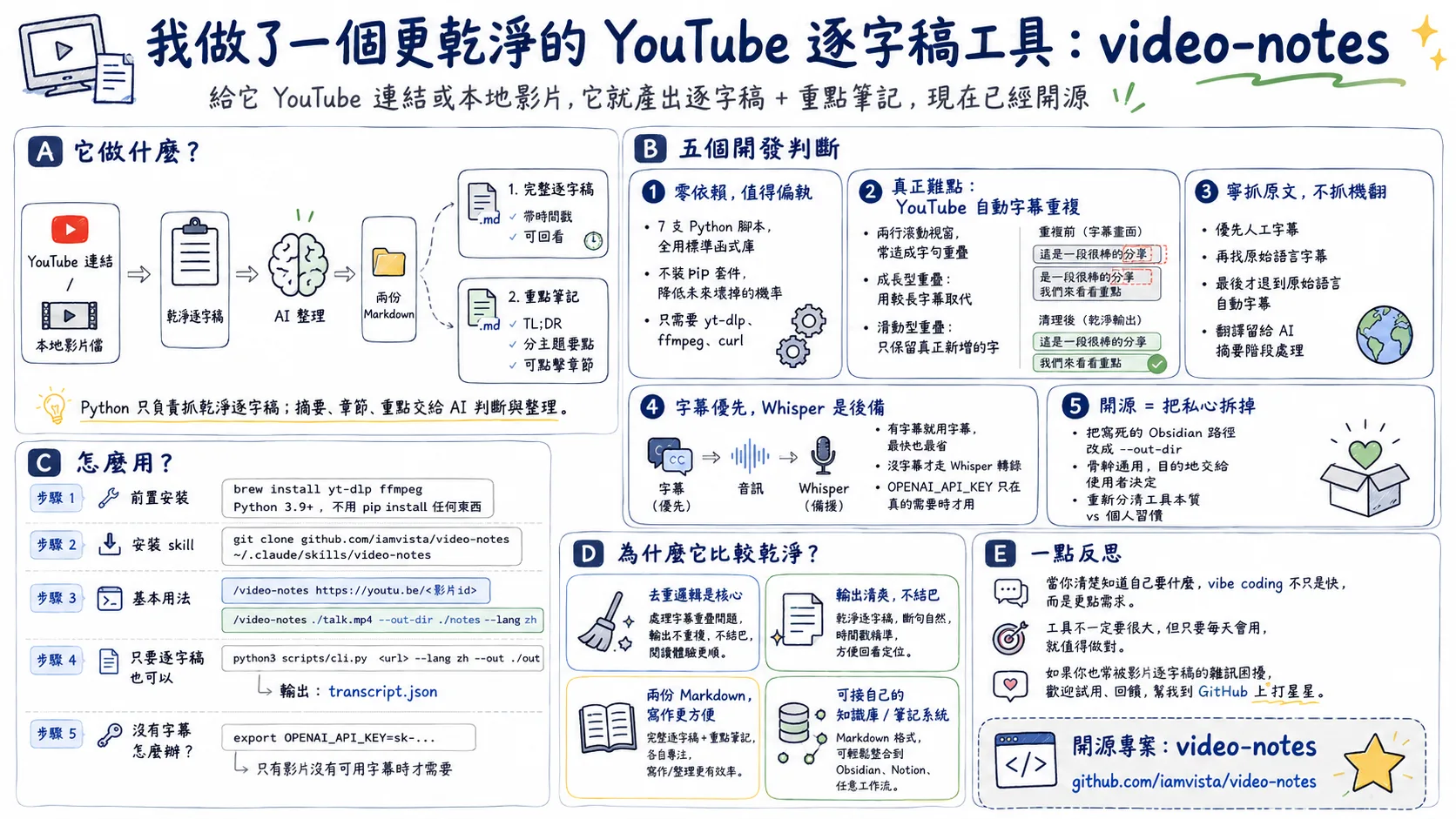
In a nutshell, as long as you give it a YouTube link or a local video file, it will produce two copies of Markdown: one is a complete verbatim draft with timestamps, and the other is organized key notes (including TL;DR, key points by topic, and chapters that can be clicked to jump).
To put it simply, it is a Claude Code skill (it doesn’t matter if you don’t know how to program, I have written an article before A Complete Self-Study Guide for Writers to Use Claude Code). The more special design is the division of labor: the Python script is only responsible for cleaning the verbatim draft. The key points, summaries, and chapters that need to be judged are left to the AI to write after reading the verbatim draft. The notes written in this way read like those written by a human, rather than a forced list of API calls.
Development experience
1. Zero dependence is paranoid, but worth it
The entire tool is composed of seven Python scripts, all of which use only standard libraries and do not have any pip packages. Only three system tools are needed: yt-dlp, ffmpeg, and curl, which are already resident on my development machine.
Why are you so persistent? Because the most fearful thing about this kind of gadget is that if you come back and use it half a year later, you will end up with a package version conflict, a broken virtual environment, or a certain dependency that has been stopped for maintenance. One less layer of dependence means one less thing that will break in the future. Even when calling the Whisper API, I use curl directly instead of installing the openai package. This paranoia makes it almost impossible to malfunction due to environmental changes.
2. The rolling repetition of YouTube automatic subtitles is the real difficulty of this tool.
If you’ve ever grabbed YouTube’s automatic subtitles, you’ll notice that it occasionally repeats every word. The reason is that automatic subtitles use a two-line scrolling window format: the tail of the previous sentence will be stacked with the beginning of the next sentence, and a word will appear two or three times in adjacent subtitle blocks. Put it together directly, and the entire verbatim manuscript reads like a stuttering ghost.
This is where most similar tools mess up. The way I deal with it is to write a strategy for each of the two overlaps: one is that the next block of subtitles completely includes the previous one (growing type), and replaces it with the longer one; the other is the partial overlap of the sliding window, I compare the largest repeated segment at the end of the previous block and the beginning of the next block, leaving only the truly new words. After processing, read the verbatim manuscript to the end without stammering.
 *▲ Remove the repetitive words from the YouTube scrolling subtitles so that the verbatim version can be read. This section of duplication logic is the most labor-intensive and worthwhile part of this tool. *
This logic took up the most effort in the entire project, and it is also the key to why I think it is cleaner than others.
3. No need for machine-translated subtitles, but the original text
A YouTube video with automatic subtitles actually has about 150 automatically translated subtitle tracks behind it. Many tools are very convenient. If you see that you want Chinese, you can just grab the phone and read the Chinese subtitles. However, the quality of machine-translated subtitles is far lower than the recognition results in the original language.
So I deliberately captured only the original track: first looking for manual subtitles, then looking for manual subtitles in the original language, and finally retreating to the automatic subtitles in the original language. The translation is left until the AI compiles the summary. The understanding in that step is far better than the word-for-word machine translation. It would be better to get an accurate verbatim draft in English than a crooked Chinese version.
4. Subtitles take priority, Whisper is just a backup
Use subtitles if you can get them. This is the fastest and cheapest way. Only when the video has no available subtitles (such as a local video file, or a video with subtitles turned off), Whisper will be used: extract low-bit-rate mono audio, cut it into small segments according to the file size that do not exceed the API limit, transcribe each segment, and then add the timestamp back.
Because of this, OPENAI_API_KEY is selected. In most cases, it is not used at all. It is only required when you really want to transcribe audio messages. I defer this check until the moment it’s actually needed, rather than blocking you from the start.
5. Openness is an exercise in tearing down selfishness
For the version I use myself, the output is written directly into my Obsidian knowledge base, and the path and field format are hard-coded for my personal workflow. To open source, these things must be dismantled first.
I replaced all the hard-coded paths with a common —out-dir parameter, and the default output is to the current directory. The function originally bound to the knowledge base has been rewritten as an example in the file to tell you how to connect the output to your own note-taking system. The backbone remains universal and the destination is left to the user to decide. This process of dismantling actually made me think clearly about what is the essence of a tool and what is just my habit.
Usage tutorial
Pre-installation
First install three system tools (taking macOS as an example):
brew install yt-dlp ffmpegPython only needs 3.9 or above, no need to pip install anything.
Copy the skill to the skills directory of Claude Code:
git clone https://github.com/iamvista/video-notes ~/.claude/skills/video-notesBasic usage
Call directly in Claude Code:
/video-notes https://youtu.be/<video id>Process local video files and specify the output directory and language:
/video-notes ./talk.mp4 --out-dir ./notes --lang zhAfter running, you will get two files: a key note and a complete verbatim draft. Chapter timestamps from YouTube sources will be clickable jump links.
Don’t rely on AI, use it directly as a command line tool
If you just want a clean verbatim draft and decide how to organize it later, you can directly run the underlying CLI. It will spit out a copy of transcript.json:
python3 scripts/cli.py "https://youtu.be/<videoid>" --lang zh --out ./out
cat ./out/transcript.json
The JSON contains video information (title, channel and length), whether the source of the verbatim is subtitles or Whisper, and the starting seconds and text of each segment. It is also very convenient to use it to feed other processes.
What to do with videos without subtitles
If the video does not have any subtitles available, the tool will automatically transcribe it using Whisper. At this time, you need to set up the key first:
export OPENAI_API_KEY=sk-...For videos with subtitles, this step is completely unnecessary.
Receive your own knowledge base
—out-dir is a custom seam for you. Point it to your note library inbox, then follow the instructions in step 5 of SKILL.md to adjust the frontmatter field of the note to the format you are used to, and the notes for each video will be automatically archived into your system. The verbatim pipeline remains generic, it’s up to you how it looks like.
A little reflection
This tool went from idea to open source in about one morning. To me, it confirms one thing: when you know exactly what you want and are willing to get the details right (like that piece of de-duplication logic), vibe coding is not only fast, but can produce something that better meets your needs than off-the-shelf tools. This also echoes what I said before, The starting point for utilizing AI is not to pick tools, but to dismantle the workflow.
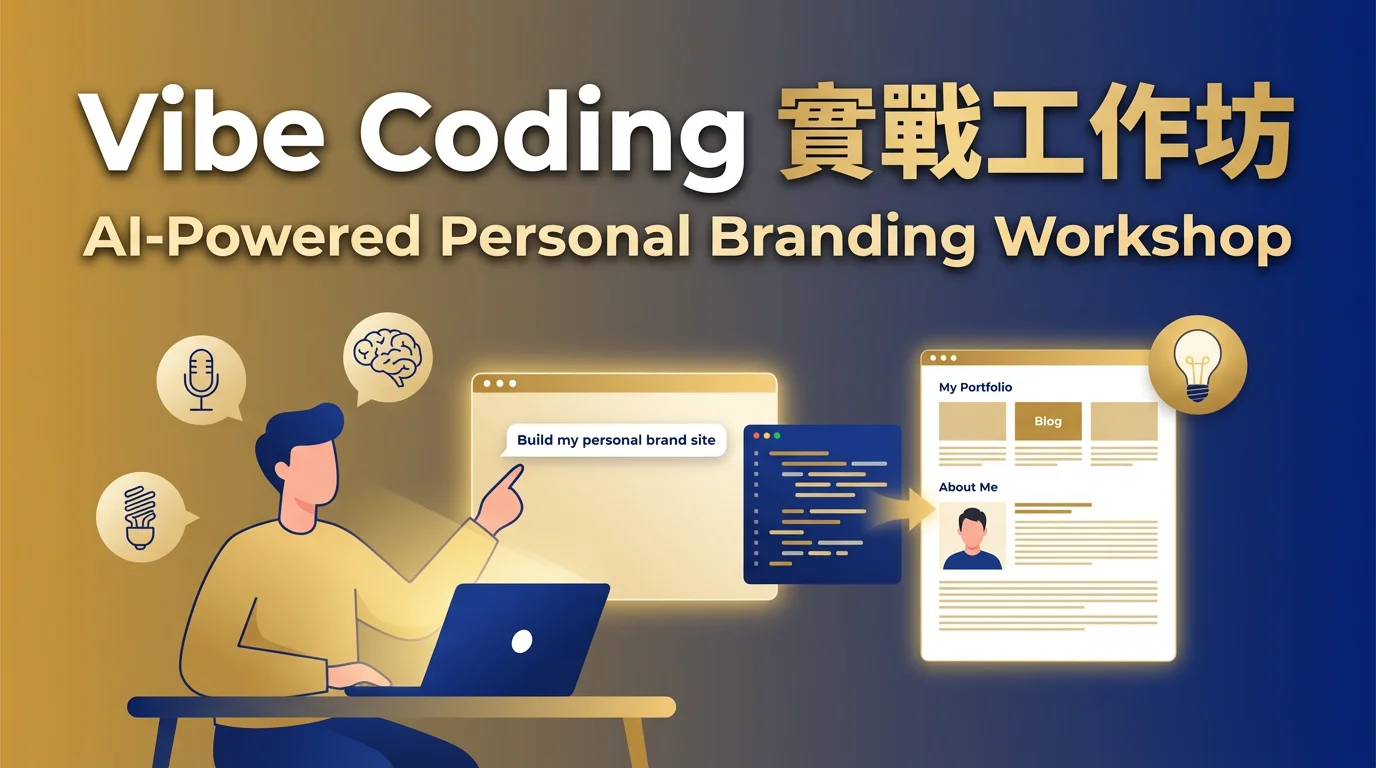
**video-notes is a small tool created by vibe coding in the morning. ** If you also want to learn to describe your ideas in everyday language and let AI turn your ideas into an online work with a website on the same day, welcome to my Vibe Coding Practical Workshop: zero foundation, no engineering background required, and you can take home a work that truly belongs to you in three hours.
To be honest, this tool is not big in architecture, but I use it every day. When the threshold of tools is leveled by AI, what is really valuable will be your judgment and taste: Have you noticed that the verbatim manuscript is actually dirty, and are you willing to spend a morning cleaning it up? If you are often troubled by the noise of the verbatim transcripts of videos, you are welcome to use it, and you are also welcome to give me feedback on GitHub; if you like it, please give me a star.
📖 深入探索相關主題