
One person, living as a team: I made an "AI Personality Generator" to help you set up multiple AI clones in 10 minutes
*▲ One person can also have a top team. This is what the “AI Personality Generator” wants to do for you. *
Not long ago, I heard two students chatting during a break in a workshop.
One person said: “I do marketing in the company during the day, go home to run my own IG at night, and take on some consulting projects during the holidays. The problem is, every time I open ChatGPT, it responds to me in the same tone - writing company reports is very decent, but when it comes to writing IG posts, it sounds official, and it still doesn’t feel right after a long change.”
The other person nodded like crazy: “Yes! Me too. I have to tell it again every time, ‘Who are you now, who do you want to tell it to, and what tone should you use?’ It gets very annoying.”
At that moment I realized that this was not an isolated case. This is a common situation for many people in this era: **We have long had more than one identity, but the AI in our hands only recognizes one of us. **
So I made a tool to solve this problem once and for all. It’s called “AI Personality Generator” and it’s now in my AI lab, free of charge. In this article, I want to fully talk to you about what it can do for you, how to use it, and some of my favorite uses.
🎯 **Want to watch and operate at the same time? ** The tool is here, free, no registration, zero upload: lab.vista.tw/persona
The problem for most people is not that they don’t know how to use AI, but that they don’t know how to “tune” AI.
In the past few years of teaching AI applications, I have seen a very common gap.
Everyone knows that ChatGPT and Claude are very powerful, and they use them to answer questions and write things. But the layer that really turns AI from “usable” to “easy to use” - personality setting - is something that almost no one is seriously operating.
What is personality setting? To put it simply, you tell the AI in advance: “Who am I, what do I care about, what tone should you use to speak to me, whether your answer should be long or short, and whether you should give a conclusion first.” Set it once, and it will remember it every time you have a conversation.
OpenAI officially has a complete set of personality customization functions. You can set your nickname, occupation, personality (cynical, efficient, friendly, professional, eccentric, frank), as well as “what ChatGPT should know about you” and “how to respond to you.” Claude also has corresponding personalization settings, you can even use commands to switch between different professional role modes.
Here’s the problem: With these fields spread out in front of you, you’ll find a cruel thing - you don’t know what to write. **
“Please describe the personality you want the AI to have” - Well, what do I want it to be like? “Please explain your background” - how detailed should it be? “What are the response preferences?” - How do I know what options are available?
So most people leave these fields blank, or fill in a few sentences casually, and continue to tolerate the universal AI that looks like no one.
**Those who can write personality settings enjoy accurately understood AI; those who can’t write have to reintroduce themselves every day. ** This gap is what I want to use tools to make up for.
Moreover, you don’t just need “one” personality
What’s more realistic is: even if you can write, you don’t want just one copy.
During the day, you are an office worker, and you need an AI that is well-organized, professional, and speaks conclusions first; at night, you are running self-media, and you need an AI that is colloquial, warm, and can help you think of title hooks. These are two completely different personalities, forced into the same setting, and they will only fight with each other.
You may also have third or fourth identities: consultants who take on cases, developers who write programs, parents of children, students in further studies…each of them deserves an exclusive AI avatar.
But you are asked to sit down and hand-write three or four personality settings from scratch? Just thinking about it makes me tired, not to mention that most people can’t even write one.
This is the problem that the “AI Personality Generator” wants to solve: ** Let people who can’t write settings grow a complete set of multiple AI clones in 10 minutes under guidance and completion. **
How to use: Just like chatting, complete it in four steps
There is only one sentence in the design philosophy of the entire tool: **You don’t need to be able to write, you just need to be able to select and modify. **
Step 1: Pick out your identity
Open the tool and you will be asked on the first page: “How many identities do you have that need AI help?”
Below are nine prototype cards - office workers, self-media operators, creators, consultants, students, parents, engineers, marketing planners, and a “customized role”. You can click as many as you want, and you can check them.
Behind each archetype card, I have a complete set of pre-populated sketches: the character’s typical personality, professional background, target audience, and response preferences. This is the most critical design of the entire tool - you are not facing a blank form, but standing on a template that is “80% filled out” and you only need to change it to your own.
Step 2: Set the universal chassis (ask only once)
Then there are three quick questions to establish a common foundation for all characters: who you really are, how the AI usually responds to you (length, structure, whether to compliment, whether to ask first when there is insufficient information), and your behavioral red lines (here I have checked for you by default “Always use traditional Chinese, Taiwanese idioms” and “Avoid Mainland idioms”).
Only ask this part once, because it is the common personality background of all your alters.
Step 3: Pinch out each clone one by one
Then for each identity you choose, the tool will take you through four small steps: who is this character, tone and personality, professional background and audience, and final fine-tuning of the response.
Next to each field there is a suggestion label that can be clicked, and there is also a “see example” for reference. There is also an instant preview window on the right side - **You will watch your personality settings grow one word at a time. ** This feeling of “watching it take shape” is deliberately designed by me, because it will make you more aware of what you are setting.
Step 4: Output, copy, paste, take effect
After filling in, the tool will give you four versions at once, and you can choose the most suitable one:
- Claude · Combined Version: One setting covers all your clones. Use commands such as
:workand:brandto switch them without interfering with each other. Just paste it into Claude’s personal settings. - Claude · Character Version: One copy for each clone, which can be posted to different conversations or projects.
- ChatGPT · Combined Version: A customized command to switch identities using keywords (the tool will also help you count the words in real time, and will remind you if you exceed the ChatGPT field limit).
- ChatGPT · Role-based version: Each clone has one copy and is posted to a different ChatGPT Project or customized GPT - this is actually the most beautiful way to use multiple identities in ChatGPT.
Each version can be copied and downloaded into a .md file with one click and saved. 10 minutes and done.
✨ Create a clone of yourself now: lab.vista.tw/persona (Free, no registration required)
Several practical and wonderful uses
After the tool was made, I and my friends around me came up with some uses beyond what we originally imagined. I would like to share a few with you:
**Miraculous Use 1: Completely separate “work me” and “brand me”. ** This is the most intuitive usage. For office workers, create a professional avatar who speaks the conclusion first; for self-media identities, create an avatar that speaks well and can think of hooks. From now on, when writing company weekly reports and writing IG posts, you switch not only the content, but also the personality of the entire AI.
**Wonderful Use 2: Use ChatGPT’s Project to raise an army of clones. ** Paste each copy of the “role version” into a different ChatGPT Project. After that, whichever project you enter, ChatGPT will automatically become the corresponding clone, without even having to enter a switching command. One account and a whole professional team.
**Function 3: Use Claude’s commands to quickly transform. ** If you are a heavy Claude user, the “merged version” is better. All your avatars are hidden in one setting. Just hit :work or :brand whichever one you need and switch instantly. Typing :list will also list which clones you have available.
**Fantastic Use 4: It is not only useful in work, but also in life scenes. ** For the “parent” identity, set up a gentle and life-friendly avatar, so that when you ask questions about parenting, you will not get a bunch of cold rules; for the “student” identity, set up an avatar that can give examples, help you check your understanding, and provide exercises when necessary. The uses of AI go far beyond work.
**Fantastic use five: Consultants use it to help clients quickly create files. ** Several consultants I know directly use this tool to help customers adjust AI settings on the spot - after three minutes of questioning, the customer takes away a usable personality setting on the spot, which is full of professionalism.
**Fantastic Use 6: Use it as a “draft machine for personality setting”. ** This is the method I use most. The tool is rule-based completion, which produces a setting with a complete structure but a “template” tone. So I put a button on every output page - Retouch with your own AI. Click on it and it will copy a prompt word for you. You can paste it back into your own ChatGPT or Claude and let the real AI polish the draft to make it more like you and more natural. **It means that the tool helps you build the skeleton, and then let your AI help you add flesh and blood. **
**Function 7: Come back and adjust once every quarter. ** Your role will change and the things you care about will change. Save the generated .md and come back after a season to run it again and make changes. Your AI clone will grow with you.
A detail that I care about very much: your settings will not leave your computer
Finally, I want to talk about one thing in particular.
This tool is pure front-end, zero back-end, zero upload. Every word you fill in will only stay in the browser of your own device and will not pass through my server or be transmitted anywhere. Personality setting actually hides a lot of personal information about you, so I designed it like this from the beginning without any discussion.
You can also safely close it and come back another day - it will save the draft locally for you.
Why free? Because I want more people to cross that threshold
This tool is placed in “Vista’s AI Lab”, which is where I continue to develop various AI gadgets. For this one, I decided to make it free and public.
The reason is simple: personality setting is a very basic threshold in the AI era, but many people are stuck. I hope that as many people as possible can easily cross over and experience the feeling of being “accurately understood by AI” first. Once you experience that kind of smoothness, you will naturally want to go deeper.
And going deeper is exactly what I am doing. If this tool makes you think, “It turns out that AI can be trained like this,” then I have a few places where I can help you go further:
- 📬 Subscribe to “Vista AI Inspiration Supply Station”: I will send you newly created tools and thinking notes in the AI era as soon as possible. Click here to subscribe.
- 🚀 Come to my class: From AI content production system, to Vibe Coding series workshops that will take you to create digital products with your own hands, there is always a class that is suitable for you at this moment.
Setting the AI’s personality is just the starting point. To truly let AI produce results for you and amplify your influence alone is a set of skills that can be learned.
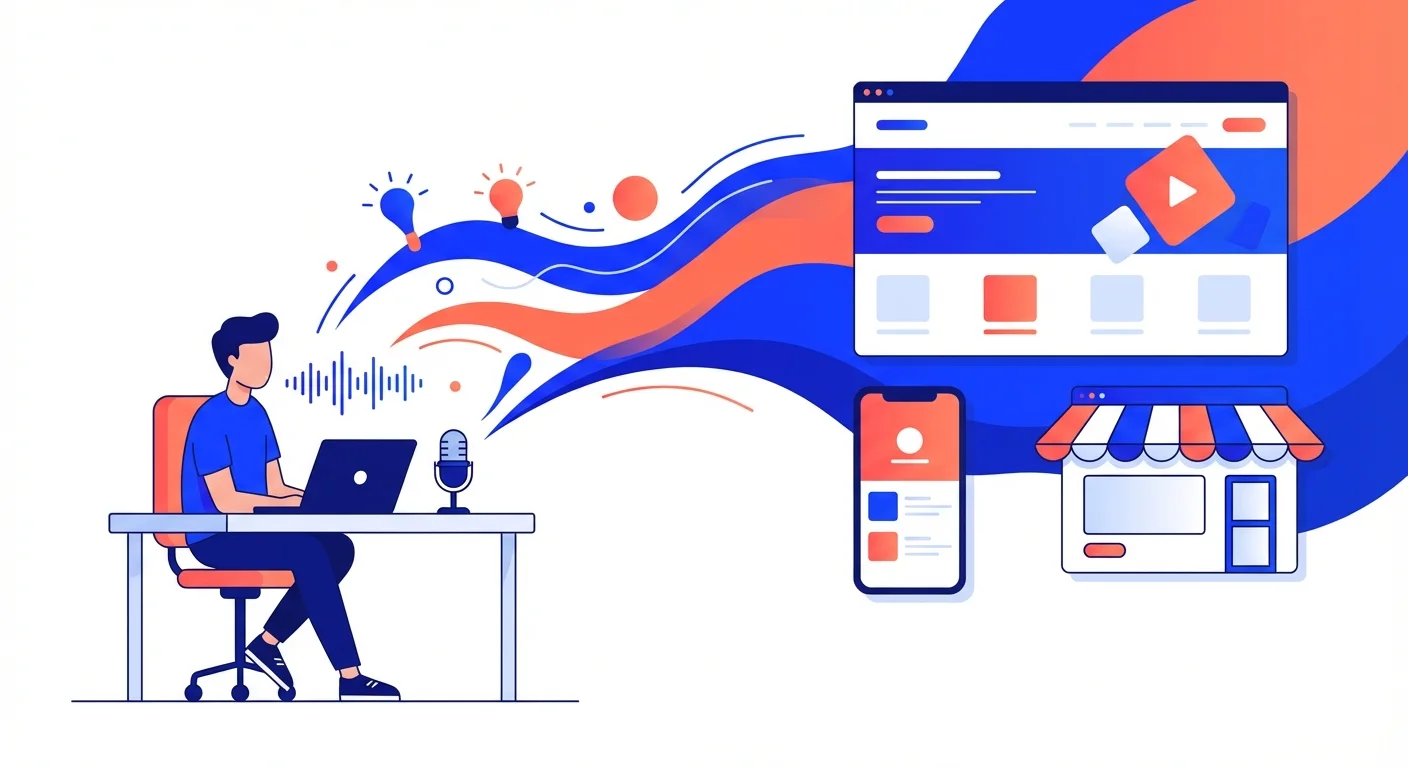
It is difficult for one person to survive as a team. But when you can help yourself create several AI clones that perform their own duties, it suddenly becomes not that difficult.
Give it a try, take 10 minutes and create an AI clone matrix that belongs only to you: lab.vista.tw/persona